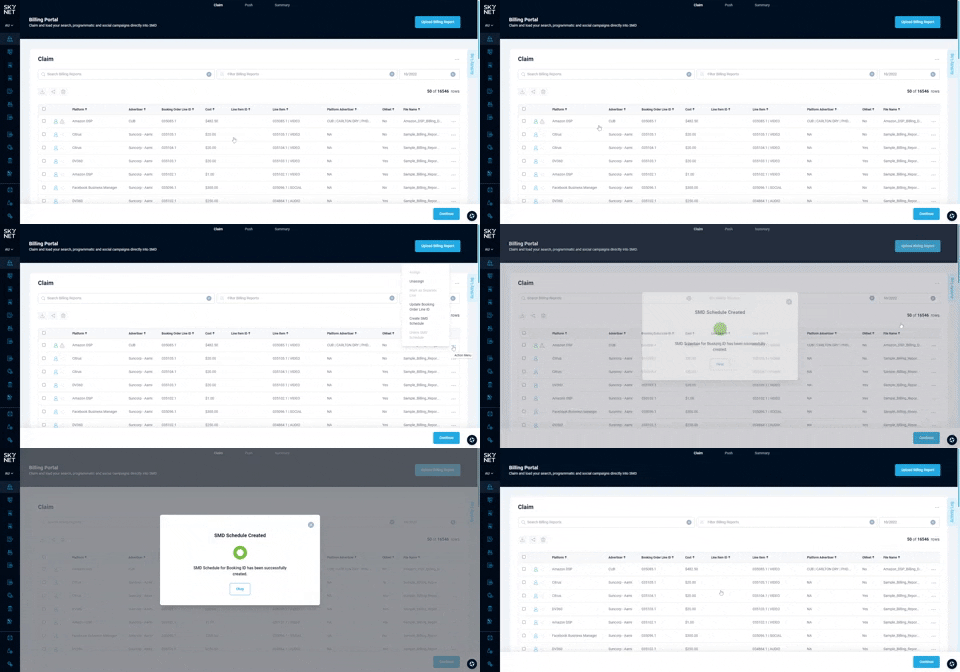
Create SMD Schedule
In the scenario that a user has delinked a schedule from a booking, or a schedule has failed to be created at the time of the booking approval, an error will show on the claim screen. Hovering over the error will describe the issue. If the error reads 'SMD link not available (App_Id is null)' then no schedule exists. You can create a schedule with the following process:
- Click action menu. This can be found at the end of the billing report row on the claim screen.
- Create SMD Schedule. Select option from action menu