Filtering Accounts
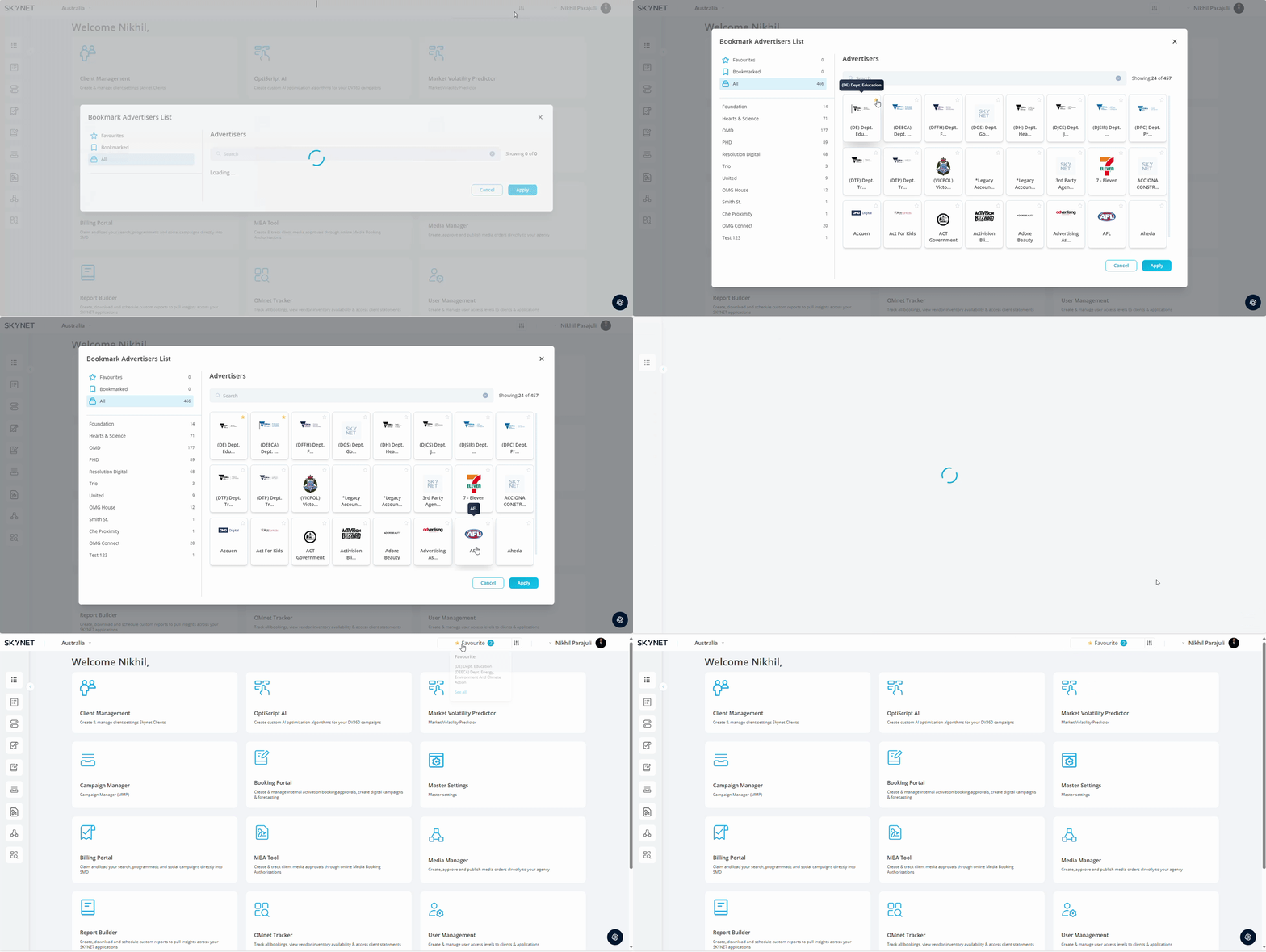
In the upper right corner of the home screen is the advertiser filter. The selections made here will limit the advertisers accounts visible to a user when accessing all applications throughout the SKYNET platform.
- Click filter button.
The filter modal popup will all advertisers associated with your login visible. The left panel navigation will show the partners & sub partners associated with your login. Clicking a partner or sub partner will reflect the advertisers within those sections in the main advertiser view.
Bookmarking Advertisers
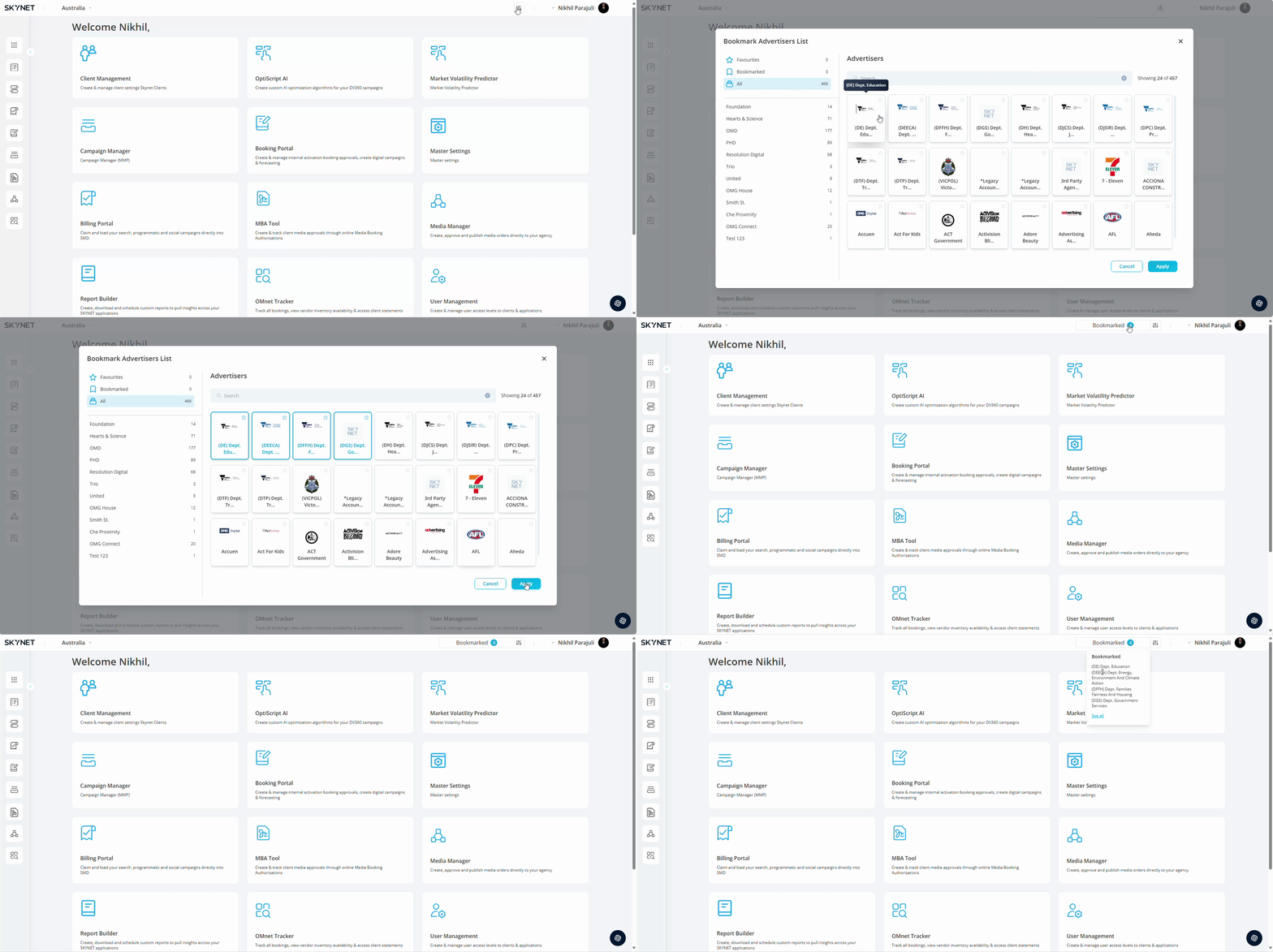
- Select Advertiser.
Clicking in the advertiser box which will highlight the box blue and will move your selection to the 'Bookmarked' in the left panel.
- Press Apply.
Bookmarking an advertiser will last as long as your logged in session. You can edit your bookmarked advertisers by clicking the filter button and repeating the process.
Favoriting Advertisers
Select Advertiser.
Clicking the star in the top right corner of the advertiser box which will highlight yellow on selection and will move your selection to the 'Favourites' in the left panel.
- Press Apply.
Favoriting an advertiser will stay assigned until it is unassigned by the user.